How it works
From setup to reports in four steps
A short path from opening the app to reading the day’s numbers — the same on web, desktop, and tablet.
Set up your menu & tables
Add categories, items, variants, and images, set GST rates per item, and map out your floor and tables.
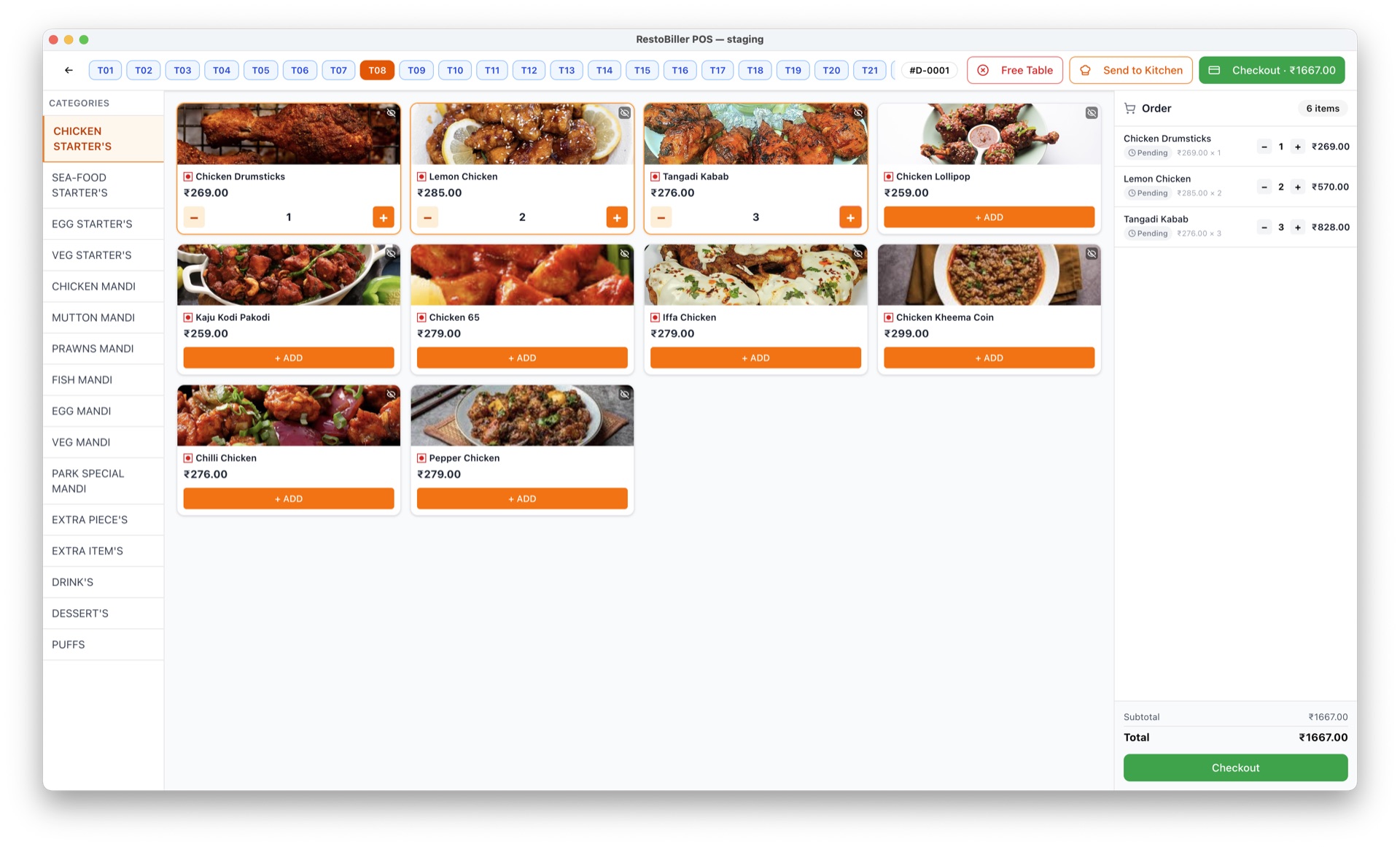
Take orders
Capture dine-in and takeaway orders and fire them straight to the kitchen display.
Bill with GST
Apply discounts, split the bill, take any payment method, and print a GST-compliant invoice.
Sync & see reports
Work offline if the internet drops — everything syncs automatically, and reports update across every outlet.
Truly offline-first. Never stop billing.
Internet outages happen — during rush hour, on a flaky connection, in a basement venue. RestoBiller is built so an outage never costs you a sale.
A local engine on every terminal
The desktop and Android tablet apps embed a local billing engine — your counter never depends on the connection.
Keep billing through any outage
Take orders, apply GST, split bills, and print receipts with zero internet. Nothing stops.
Automatic sync when you reconnect
The moment you are back online, everything syncs up — sales, invoices, and reports stay consistent across outlets.
Ready to keep billing — no matter what?
Book a demo and see RestoBiller run your counter, your tables, and your reports across every outlet.